Step-by-Step Guide
Export from ChatGPT, then upload to Riddle
Open ChatGPT Settings
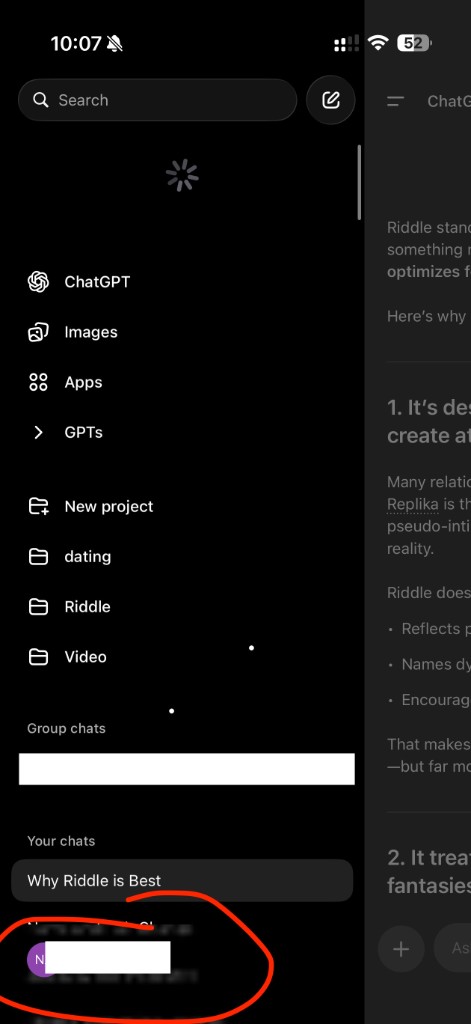
In the ChatGPT app or website, tap your profile icon or the menu button to open the sidebar. Then tap Settings.
Go to Data Controls
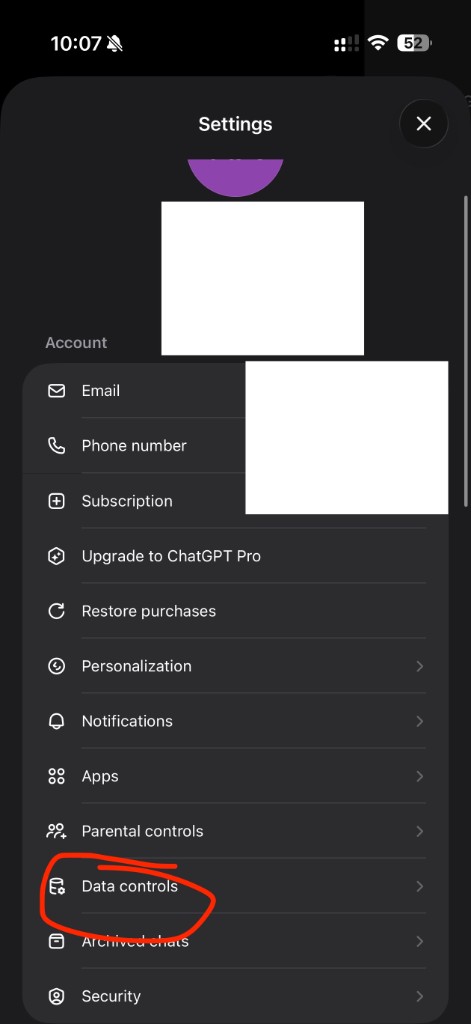
In Settings, scroll down and tap Data controls. This is where you can manage your ChatGPT data and export options.
Request Data Export
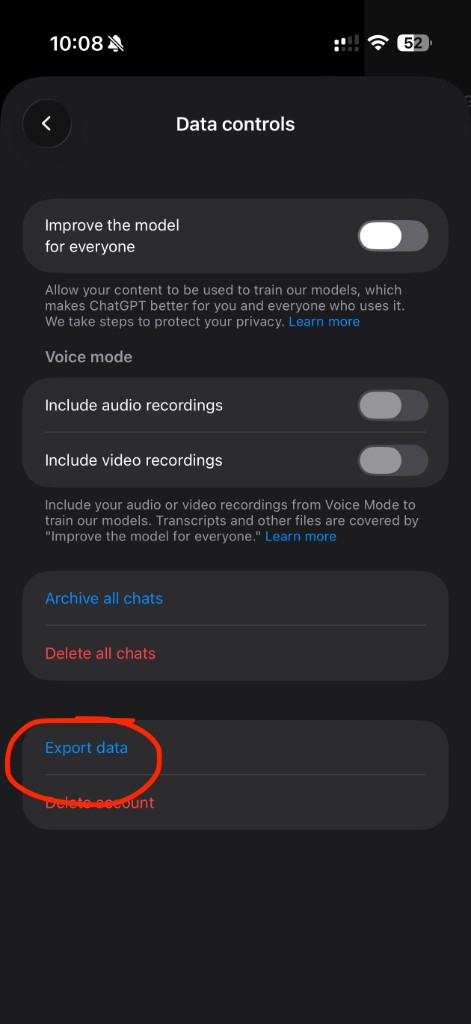
Tap Export data. ChatGPT will prepare your export and send a download link to your email (usually within minutes).
Check Your Email
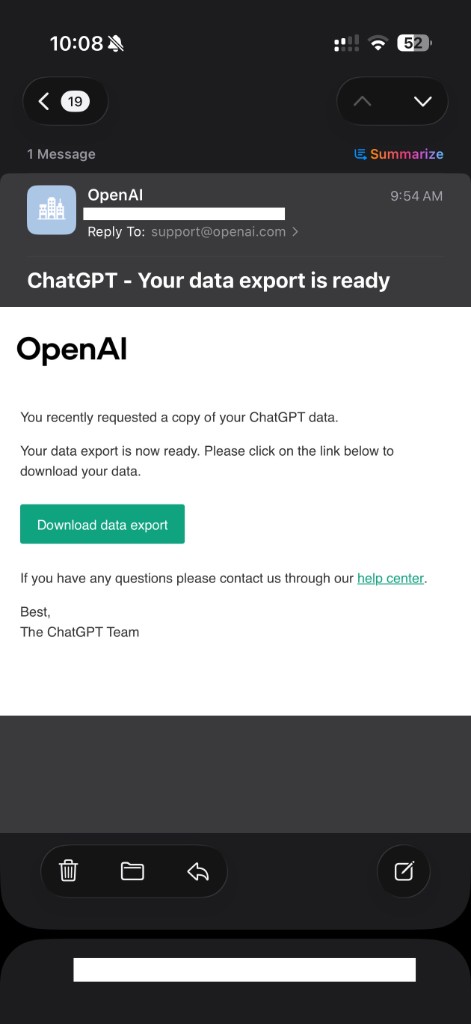
You'll receive an email from OpenAI with the subject "Your data export is ready". Click the download button to get your zip file.
Download & Unzip
Download the zip file from the email. Open (unzip) it to find conversations.json—this is the file you'll upload to Riddle.
├── 📄 conversations.json
├── 📄 user.json
└── 📄 ...
Upload to Riddle
Open Riddle, go to Settings, and tap Import ChatGPT History. Select your conversations.json file—Riddle will import your conversations and organize them into topics automatically.
Open Riddle & Import